
Platform
Online IELTS & CEFR mock exam platform
Computer-delivered English practice for students and language centers. Sit timed Listening, Reading, Writing and Speaking, then see IELTS band scores 0–9 or CEFR A1–C2 levels when your center publishes results. Register free and take a mock today.
How the platform works
One domain for the whole mock — from invite to certificate
Students never leave mymockexam.uz to sit the exam. Centers never juggle PDFs, USB audio, and a separate marking sheet.
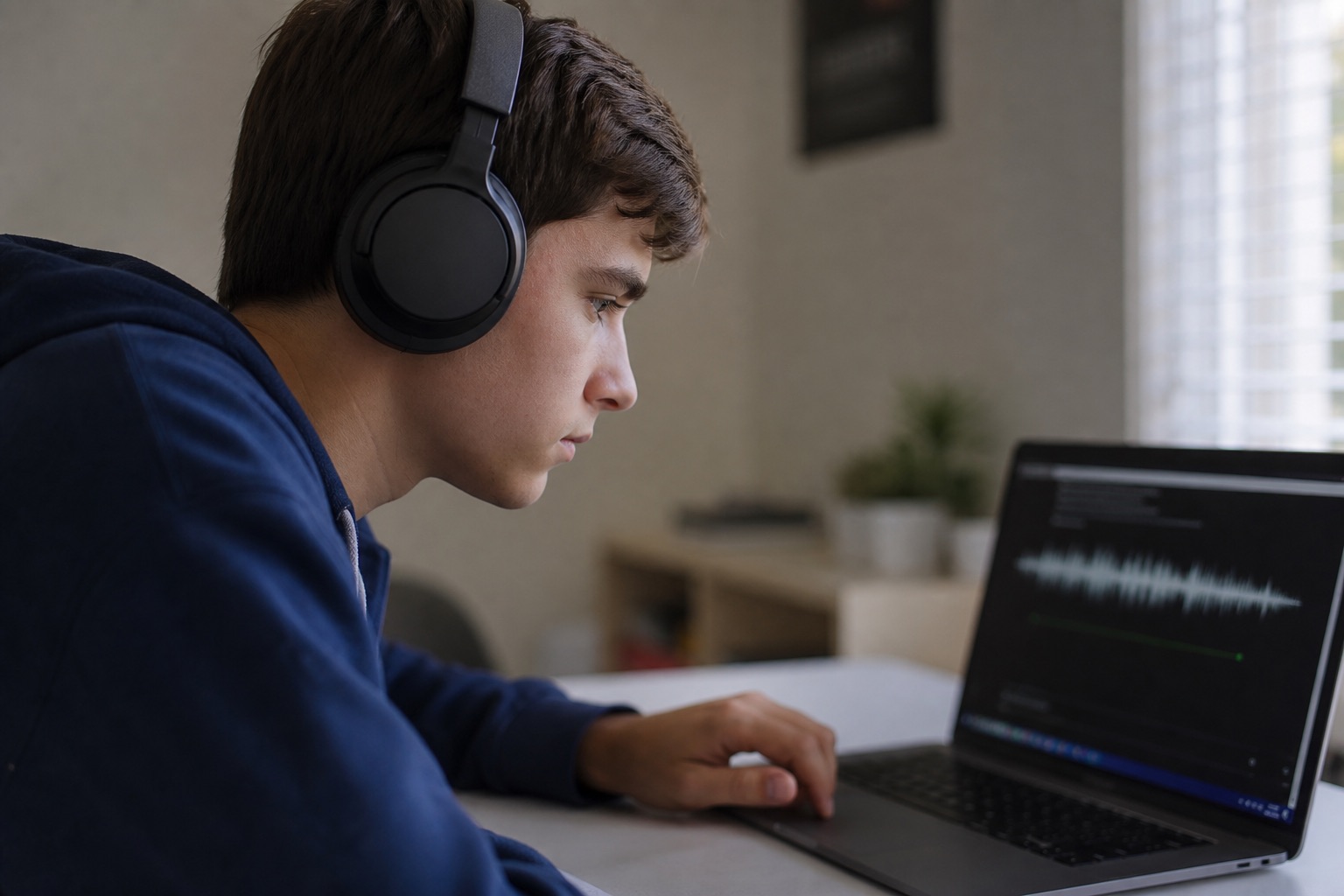
A mock here is a full computer-delivered session: you sign in, open the player, and work under the same kind of timer you will meet on official test day. Listening and Reading are marked from an answer key as soon as those modules close. Writing and Speaking wait for an examiner at your language center.
When the center publishes, your dashboard shows module scores plus an overall IELTS band (average of four skills, rounded to the nearest 0.5) or an overall CEFR level (weakest skill across L, R, W, S). Task comments sit next to Writing and Speaking so you know what to fix before the next mock.
Language centers in Uzbekistan use this for lab days: kiosk mode locks the browser to the player, invite links enroll a group without extra websites, and reports export when the session is over.

About 2 hours 45 minutes
A full IELTS-style mock matches computer-delivered timing across four modules, plus short breaks your center can allow.
1,240+ questions
The bank is tagged IELTS, CEFR, or both, so a center can filter by exam type and target level.
Three ways to sign in
Google, email, or phone — the same options on the live mymockexam.uz login screen.
Not official IELTS
Bands are preparation estimates. Book the real test with British Council, IDP, or an official centre.
Online IELTS & CEFR mock exam platform
mymockexam.uz is a computer-delivered mock exam platform for students and language centers. Take timed Listening, Reading, Writing and Speaking in one sitting — then see IELTS bands or CEFR levels when results are published.
01
Four timed modules
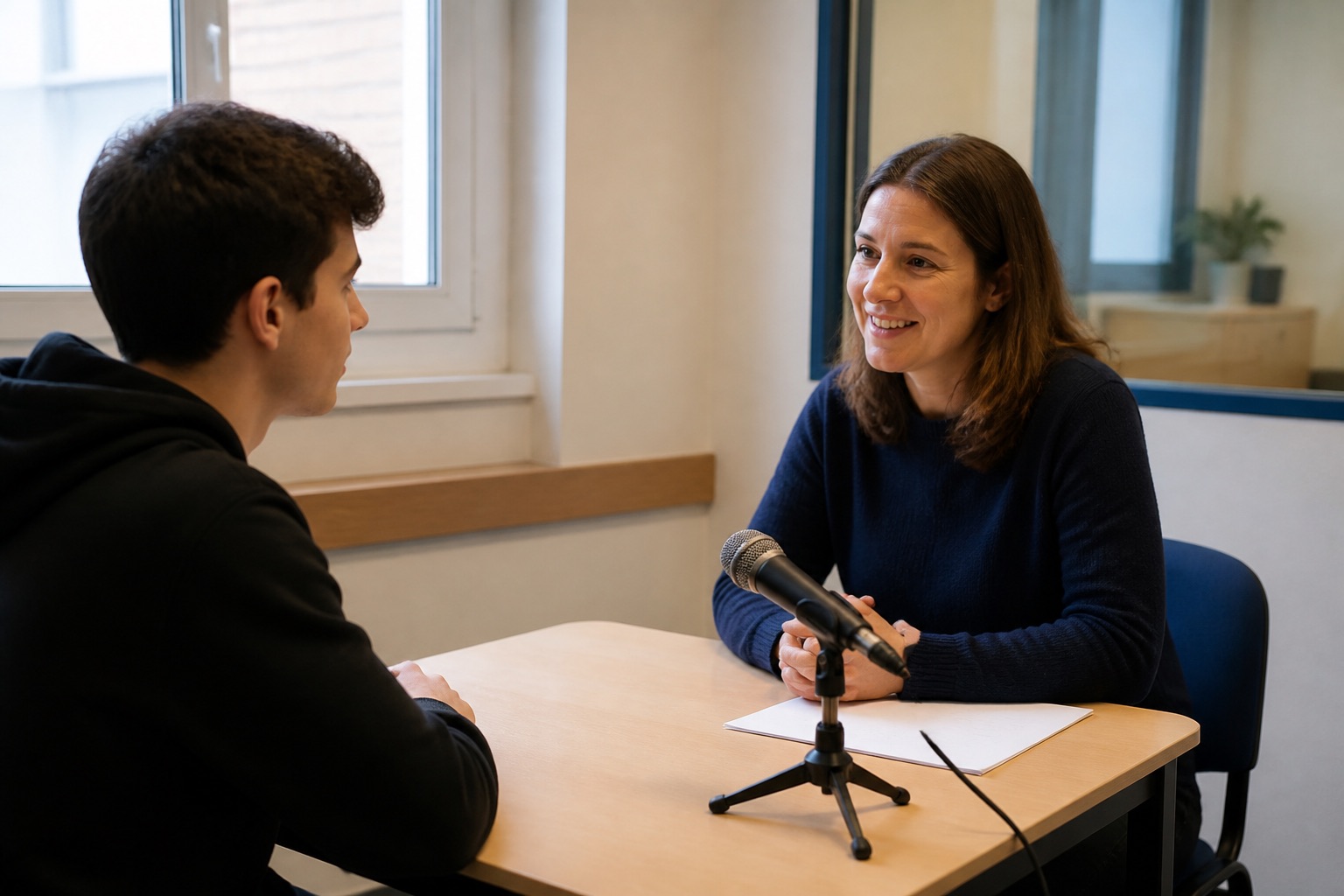
Every full mock covers Listening (about 30 minutes, 40 questions), Reading (60 minutes, 40 questions), Writing Task 1 and 2 (60 minutes) and Speaking (11–14 minutes). Listening, Reading and Writing run back to back, as on computer-delivered test day. Speaking is a separate interview.
02
IELTS bands or CEFR levels
IELTS exams use band scores 0–9 (including half bands). CEFR exams map percent scores to A1–C2 per skill; overall CEFR follows the weakest skill. Writing and Speaking are marked with the matching rubric, not a generic score.
03
Built for language centers
Centers schedule mocks, invite students by link or roster, filter the 1,240+ question bank by exam type and level, run kiosk mode in computer labs, then publish results and certificates from one dashboard.
IELTS or CEFR — choose your scoring model
Centers pick the scoring model when they create an exam. Students still take Listening, Reading, Writing and Speaking in the same player — only the result format changes: IELTS bands 0–9 or CEFR A1–C2 levels.
Center tools included
Scheduling, enrollment, marking, certificates, and reports — the same hub centers use after they register.
4
modules
Exam management
Create IELTS or CEFR mocks, set each module timer, choose Academic or General Training, and assign the exam to a group or an open invite link.
100%
live data
Student tracking
See who opened the invite, who is in the player, and who has finished. Band scores and CEFR levels appear in the same table once you publish.
12
month view
Analytics & reports
Export results, issue certificates, and compare center performance over months — without copying scores into a spreadsheet.
IELTS and CEFR mock exams on mymockexam.uz
Use this page as a short guide: what a mock includes, how scoring works, who the platform is for, and how to start on mymockexam.uz.
mymockexam.uz is a mock exam platform where students take full computer-delivered practice tests and language centers run the complete lifecycle — scheduling, enrollment, timed delivery, marking, and published results. Each exam is created as either IELTS (band scoring 0–9) or CEFR (A1–C2 levels).
A full mock covers Listening, Reading, Writing and Speaking with realistic timers. Listening and Reading are marked automatically. Writing and Speaking wait for an examiner at your center, then you see task-level comments and an overall result in the student dashboard.
Centers in Uzbekistan and across Central Asia use kiosk mode so lab computers stay inside the exam player. Students join with a free account (Google, email, or phone) or with a center invite link. Sign-in, the exam, and results all stay on mymockexam.uz — you are not sent to another site to finish the test.